Presentations where the diagrams move.
Make slides in Motionix and present them from the browser with every animation live: each page builds in the order you set, lines flow, and pages change with transitions. Send the same deck as a PDF, or export it as a video.
The editor is free. No card needed.

HowThree steps
How it works
01
Make the slides
Start from a pitch, lecture or review template, or ask Weave to draft the deck.
02
Set the motion
Build order on each page, flows on the lines that matter, and a transition between pages.
03
Present or send
Present full screen in the browser, or export a PDF to send and an MP4 to post.
WhatFeatures
Slides that explain
Present from the browser
Full screen, with arrows, space or a click to move on, and a laser pointer for the room.
Transitions
Cut, fade, dissolve, slide, wipe, zoom, blur, iris and magic move, which glides matching objects to their new places.
Pages that build
Each page plays its build when it opens: the title, then the chart, then the point.
A PDF that is finished
The PDF shows every page complete, so the handout never hides a step.
Video of the talk
Export the deck to MP4 or WebM with every motion and transition, for a recording or a post.
Every slide size
16:9 at 720p, HD or 4K, A4 for handouts, or a size of your own.
ExamplesTemplates
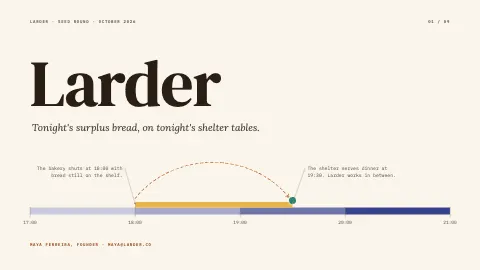
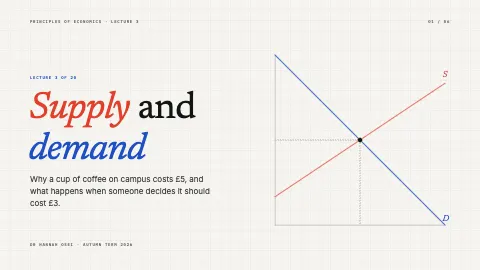
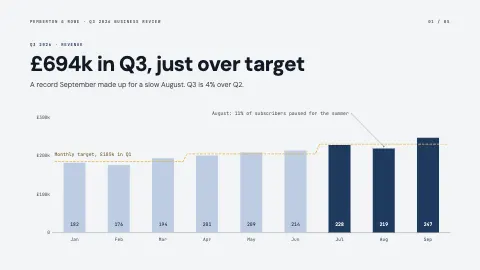
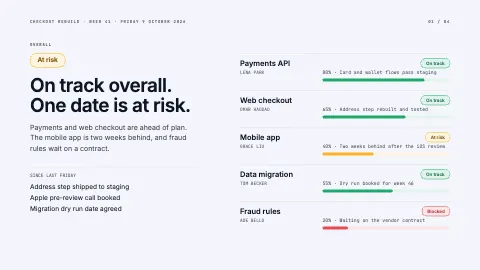
Presentation templates
Each one is an ordinary page you can change. Open it, then edit, restyle or animate anything on it.


FAQQuestions
Questions, answered.
Can I present from the browser?
Yes. Present mode plays every page full screen with its motion and transitions live. Arrows, space, Page Up and Page Down or a click move between pages.
Can I export to PowerPoint?
Not as a PowerPoint file. Export a PDF, which opens anywhere and can be shown from any computer, or an MP4 of the whole deck with its motion.
Is it free?
Making and presenting slides is free, and so are PDF, PNG and SVG exports. Video export and Weave come with Pro and Advanced.
Which transitions are there?
Cut, fade, dissolve, slide, wipe, zoom, blur, iris and magic move. They play in Present mode and in video exports alike.