Carousels for LinkedIn and Instagram.
Motionix is a free carousel maker. Pick the 4:5 LinkedIn or Instagram size, put one idea on each page, and the page numbers and progress fill themselves in. Export a PDF for a LinkedIn document post, PNGs for Instagram, or a looping GIF when a page should move.
The editor is free. No card needed.
HowThree steps
How it works
01
Pick the size
LinkedIn carousel or Instagram portrait at 1080 by 1350, square, story, or a size of your own.
02
Write the pages
One promise on the cover, one idea per page after it, in one grid and one palette.
03
Post it
A PDF for LinkedIn, a PNG per page for Instagram, a GIF or MP4 for a page that moves.
WhatFeatures
What a carousel needs
Every social size
LinkedIn carousel, square and banner, Instagram portrait and story, Pinterest pin, X post and YouTube thumbnail.
Pages that number themselves
Page numbers and progress bars update as you add, remove or reorder pages, and a master layer repeats your name on every one.
One PDF for LinkedIn
Export the whole carousel as a single PDF, the file LinkedIn takes for a document post.
A page that moves
A chart that draws itself or a line that flows, exported as a looping GIF or MP4.
Draft it with Weave
Give Weave a topic and an audience and it drafts the pages; you rewrite and restyle what you like.
Templates that look considered
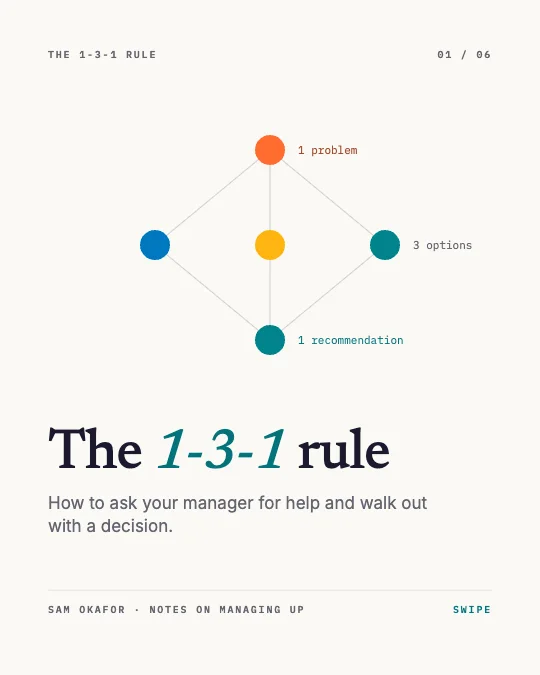
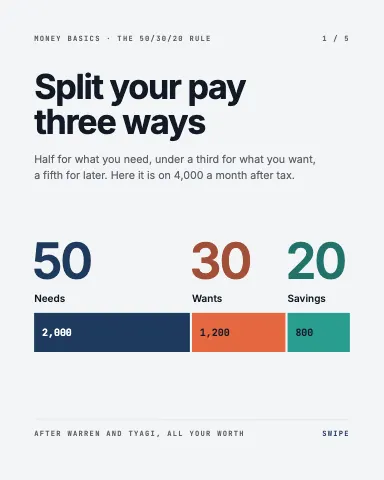
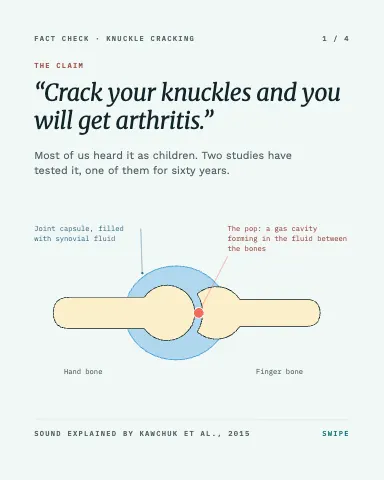
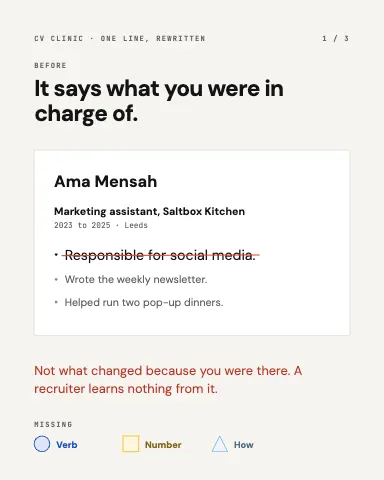
Covers, statistics, myths checked, before and after, hiring posts and quote cards to start from.
ExamplesTemplates
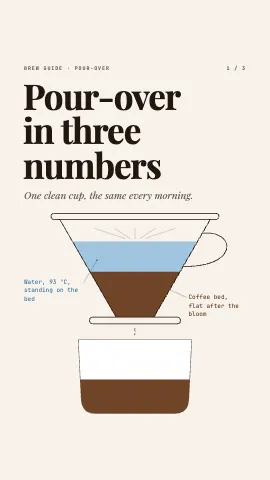
Carousel and post templates
Each one is an ordinary page you can change. Open it, then edit, restyle or animate anything on it.

FAQQuestions
Questions, answered.
What size is a LinkedIn carousel?
Motionix makes LinkedIn carousels at 1080 by 1350 pixels, the 4:5 portrait shape that fills the most of a phone screen in the feed. Square, 1080 by 1080, is also available.
How do I post a carousel on LinkedIn?
Export the carousel from Motionix as one PDF, then add it to a LinkedIn post as a document. LinkedIn shows each page as a slide people swipe through.
Can AI make a carousel for me?
Yes. Weave drafts a carousel from a topic, page by page, and every page stays editable. Weave comes with Pro and Advanced.
Is the carousel maker free?
Yes. Making carousels, every template, and PDF and PNG export are free. GIF and video export come with Pro and Advanced.
Can a carousel page be animated?
Yes. Animate any page, then export it as a looping GIF or MP4. Instagram and LinkedIn take video posts, and the PDF still shows the finished page.