GuideAbout 20 minutes
How to make a LinkedIn carousel PDF
The short answer
Make a page at the LinkedIn carousel size, 1080 by 1350, put one idea on each page, then press Export, choose PDF and export every page as one file. Post it on LinkedIn as a document and it shows as a swipeable carousel.
What you need
- A Motionix account (free)
- Nothing else: PDF export is free on every plan
Step 1Start at the right size
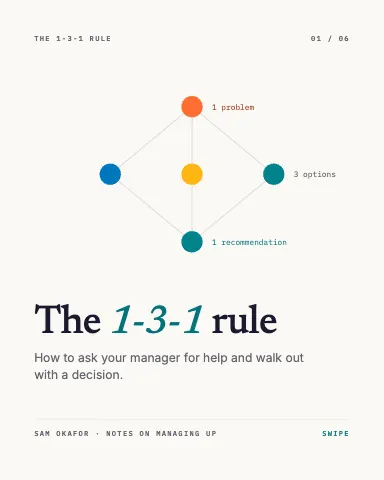
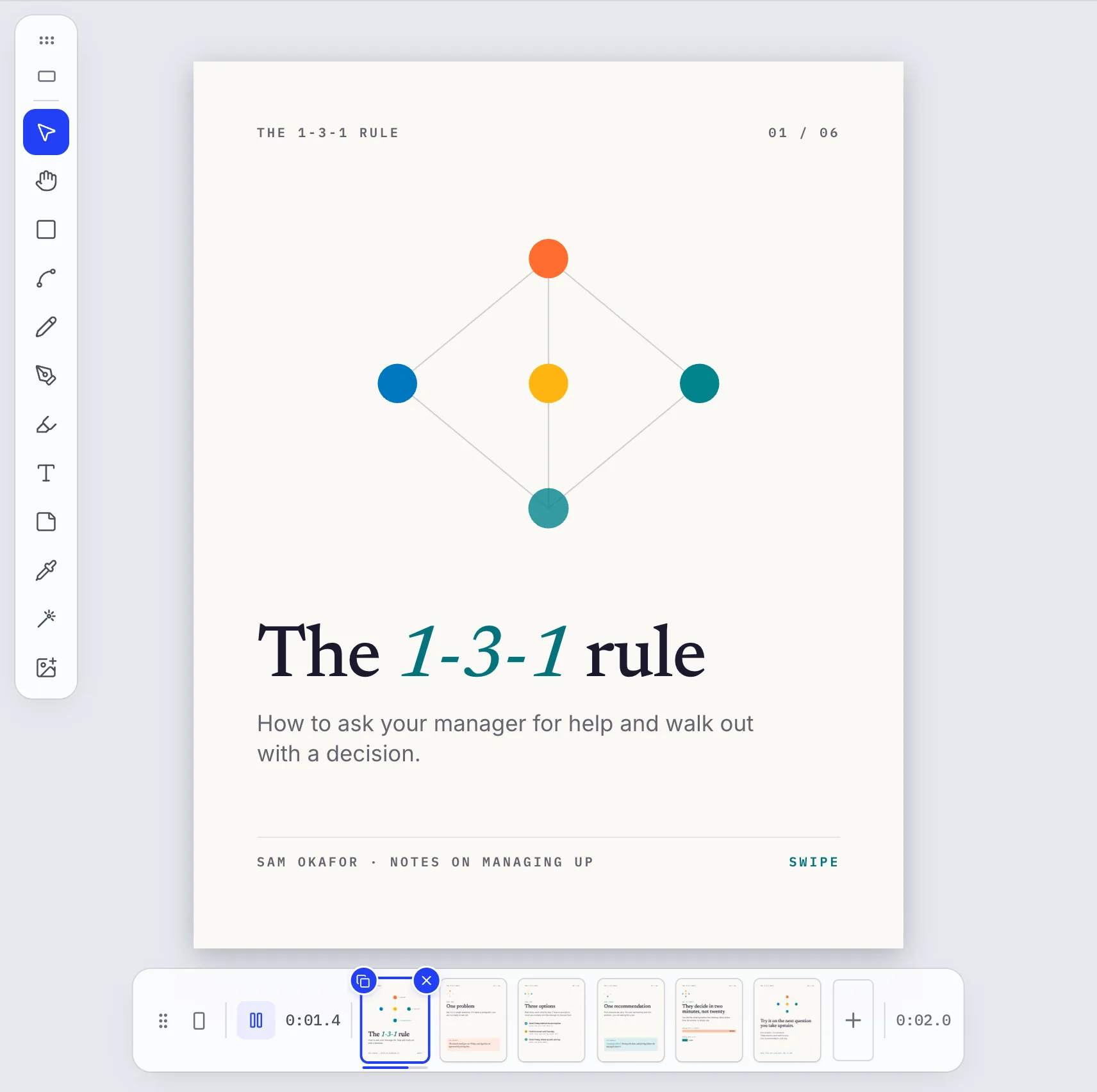
On Home, choose the LinkedIn carousel size (4:5, 1080 by 1350), or open a carousel template such as The 1-3-1 rule. Add pages with the plus button in the bar under the canvas, and reorder them by dragging.
Step 2Write one idea per page
Put the promise on the cover and one point on each page after it, in one grid and one palette. For page numbers that keep up as you add or move pages, type {{page}} and {{pages}} in a text box: it shows as 3 and 6 on page three of six.
Step 3Export one PDF
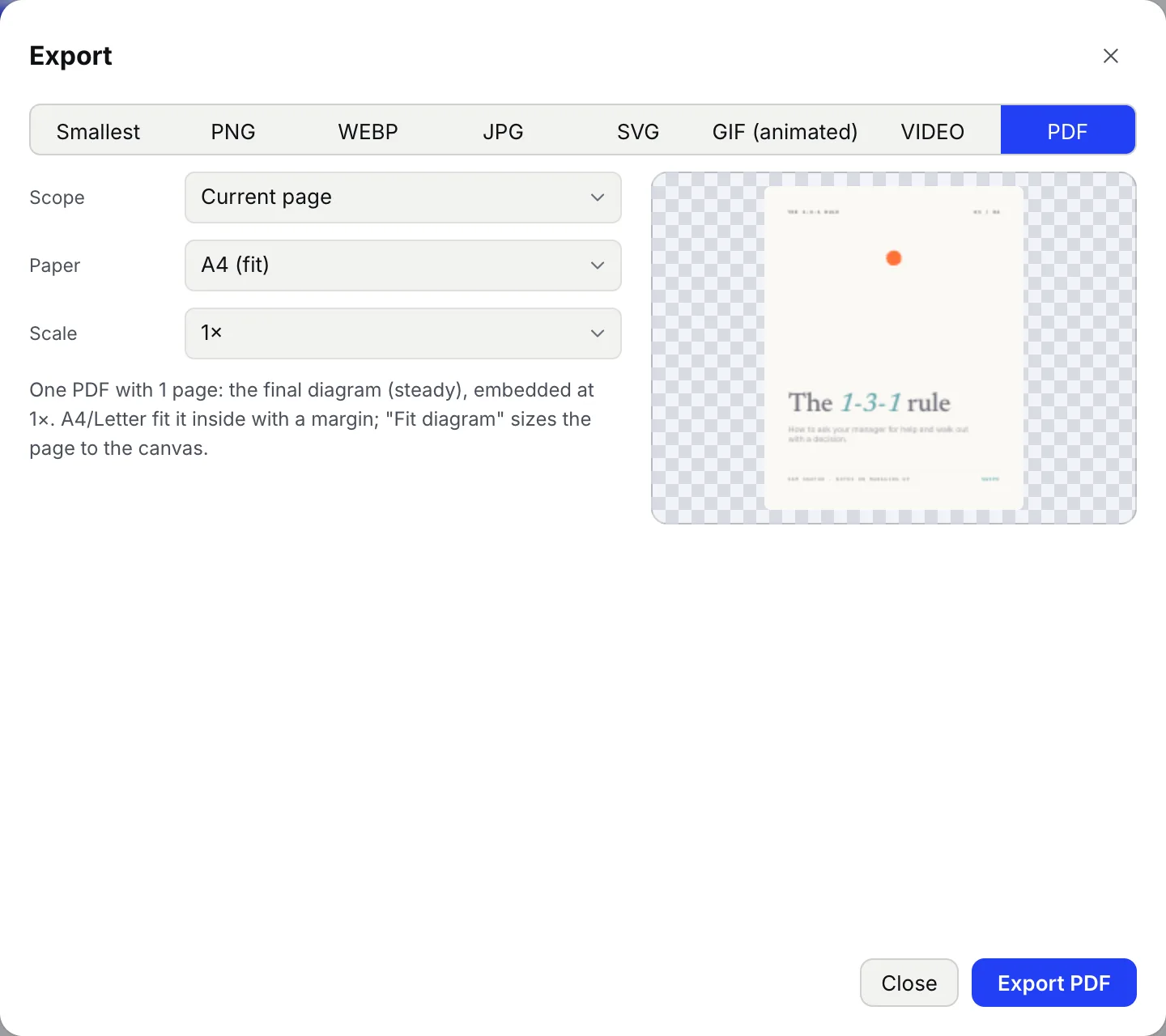
Press Export, choose PDF and set Scope to All pages. Motionix writes them as one PDF in order, each page finished and drawn sharp at the scale you choose.
Step 4Post it on LinkedIn
Start a post on LinkedIn, add a document, choose the PDF and give it a title. LinkedIn shows each page as a slide people swipe through.
Tips
- Text is read at about a third of its size on a phone: keep body text large and give each page one point.
- 6 to 10 pages is the usual range: enough to earn the swipe, short enough to finish.
- For Instagram, export PNG instead: one image per page, in order.
- A page that moves can go out as an MP4 too; the PDF always shows it finished.
Checked against Motionix on 2026-10-21.