Free templateVisual schedule
My morning
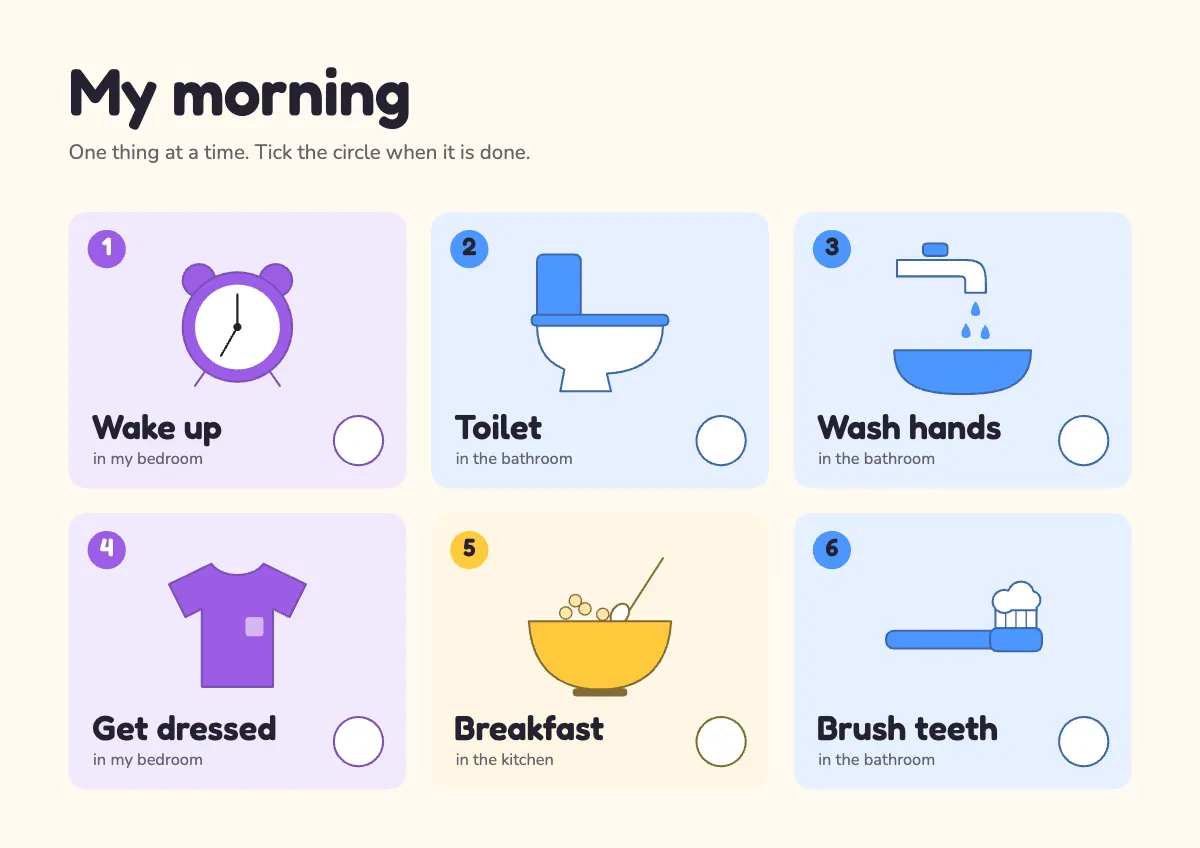
A visual schedule for special education: six large step cards with simple drawn pictures and an empty circle to tick, coloured by room.
Free. It opens in the Motionix editor as your own copy.
Download the pictureWebP, 1200 × 848, free to use. To change the words or colours, open it in the editor.
- Size
- 1754 × 1240 px
- Pages
- 1
- Motion
- Yes, plays live and in GIF or video
- Category
- Lessons
What it shows
- Pictograms drawn from shapes
- Read at a glance
- Calm soft tints
Good for
How to use it
- Open the template. It becomes a project in your account.
- Change the words, colours and pictures. Every part is an ordinary shape, line or text box.
- Press Play to watch it build, then present it or export it.
What is a visual schedule?
A visual schedule shows the steps of a routine or a day as a sequence of pictures, each with a short word, so a child can see what happens now and what comes next without relying on spoken instructions. It is widely used with autistic children and others with special educational needs, and with young children at home, to make transitions predictable and build independence.
When it helps
- Helping an autistic child through the morning routine with fewer reminders from a parent.
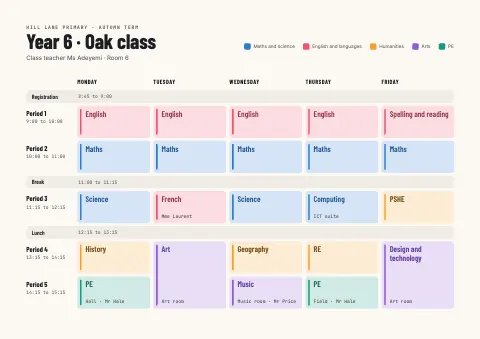
- Showing the order of a school day in a special education classroom, from arrival to home time.
- Preparing a child for a change, such as a dentist visit, by adding it to the day in advance.
- Teaching a self-care sequence, such as handwashing or getting dressed, in small steps.
Tips
- Match the length to the child: some manage six steps on one sheet, others need two cards at a time in a "first, then" layout.
- Keep pictures literal. A drawing of the child's own blue toothbrush can work better than a generic symbol, especially at the start.
- Introduce the schedule on a calm day, not in the middle of a hard morning, so it feels like a helpful tool rather than a consequence.
How to make a visual schedule
Watch the routine first
Note each step the child actually does, in order. A morning might be wake up, toilet, wash hands, get dressed, breakfast and brush teeth.
Choose the right kind of picture
Use whatever the child recognises best: real photos, simple drawings or symbols. Keep one style across every card so none stands out by accident.
One step per card
Give each step its own card with a single picture and one or two words underneath. Number the cards so the order is never in doubt.
Add a way to mark done
Include a circle to tick, a pocket to post finished cards into, or a Velcro strip to take them off. Watching steps disappear shows progress.
Put it where it happens
Fix the schedule at the child's eye level where the routine starts, and point to it rather than repeating spoken instructions.
Review and fade
Adjust any step that causes trouble, and as the child grows confident, reduce prompts or combine steps. The aim is independence, not a chart forever.
FAQQuestions
Common questions.
What age is a visual schedule for?
Any age. Toddlers use simple picture sequences for routines like bedtime, school-age children use daily timetables, and many teenagers and adults with autism or learning disabilities keep written or app-based schedules. The format changes; the idea of seeing the plan stays the same.
What is a first-then board?
A first-then board is the simplest visual schedule: two pictures, one for the task that comes first and one for what follows, often something the child enjoys. It is a common starting point before moving on to a longer sequence.
Do visual schedules help children with ADHD?
Many families and teachers find they do. A visible plan reduces how much a child has to hold in memory and cuts the number of verbal reminders, which can ease friction in routines such as getting ready for school.
More lessons templates
Concepts, processes and revision pages for classrooms and courses.