Free templateYouTube Shorts cover
What is a black hole?
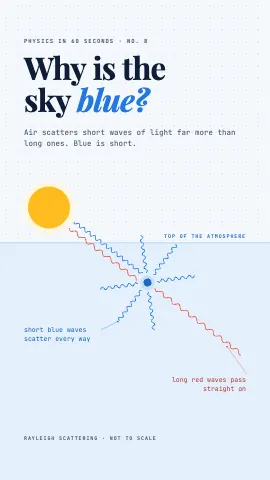
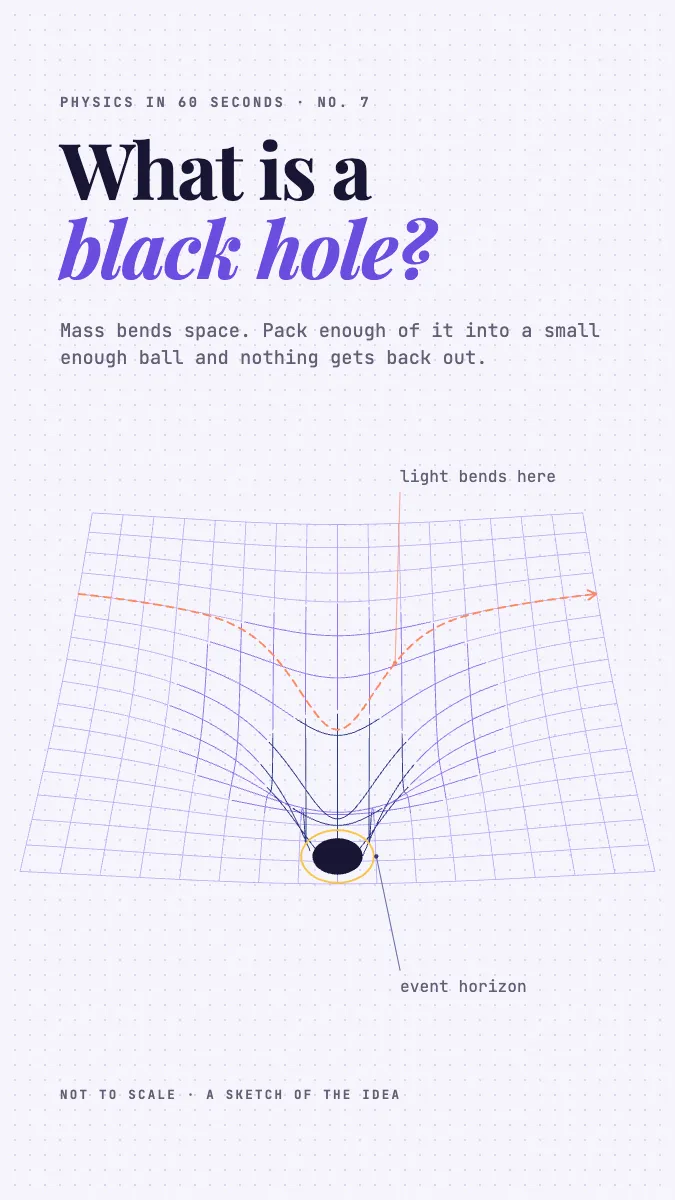
A Short cover in the studio style: a gravity well computed from a 1/r curve, one solid dot and a ray of light that bends.
Free. It opens in the Motionix editor as your own copy.
Download the pictureWebP, 675 × 1200, free to use. To change the words or colours, open it in the editor.
- Size
- 1080 × 1920 px
- Pages
- 1
- Motion
- Yes, plays live and in GIF or video
- Category
- Covers
What it shows
- Computed gravity well
- Key word in true italic
- Margin notes with leaders
Good for
How to use it
- Open the template. It becomes a project in your account.
- Change the words, colours and pictures. Every part is an ordinary shape, line or text box.
- Press Play to watch it build, then present it or export it.
What is a YouTube Shorts cover?
A YouTube Shorts cover is the frame that represents a Short on the Shorts shelf, on a channel's Shorts tab and in search. Shorts are vertical, 1080 x 1920 pixels at 9:16, and when uploading from the mobile app you choose the cover from a frame of the video, so many creators build a designed title frame into the edit. A good cover states the question the Short answers.
When it helps
- Science creators running a numbered series of quick explainers, one big question per video.
- Teachers turning a weekly concept into a vertical video their students can watch on the bus.
- Reusing one cover design on TikTok and Instagram Reels so the series looks the same everywhere.
- A channel's Shorts tab, where a grid of matching covers reads like a curated library rather than a pile.
Tips
- Design the series system once: the same grid, typefaces and spot for the episode number. Each new cover then takes minutes and the shelf looks like a collection.
- Emphasise one word of the title in italics or colour. Viewers scan for the subject, so the words black hole should jump out, not the words around them.
- Say so when a diagram is not to scale. Science audiences notice, and a small honest footnote earns more trust than the space it takes.
How to make a YouTube Shorts cover
Frame the title as a question
Write the title as the words a viewer would type, such as what is a black hole. Short questions read best in the top third of a tall frame.
Work at 1080 x 1920
Set up a vertical 9:16 canvas with generous margins. On a playing Short, buttons, captions and the channel name sit over the bottom and right edges.
Draw the idea, not a photo
One simple diagram, like a funnel of curved space with a dark dot at its throat, explains more at a glance than a busy picture of a galaxy.
Label the parts with notes
Add two or three small labels with leader lines pointing at the parts, for instance the event horizon. They reward a viewer who pauses without crowding the title.
Make it the opening frame
Put the cover at the very start of the edit, or hold it for a moment, so it is easy to select as the cover when you upload from the YouTube app.
FAQQuestions
Common questions.
What size is a YouTube Shorts thumbnail?
Shorts are vertical videos at 1080 by 1920 pixels, a 9:16 ratio, and the cover takes the same shape. Keep text and the main subject near the centre, because the Shorts shelf, search results and channel grids can show a cropped version of it.
Can you add a custom thumbnail to a YouTube Short?
In the YouTube mobile app you can pick a frame from the Short as its thumbnail while uploading. That is why creators often design a title frame and place it at the start of the video. The options change from time to time, so check the upload screen for what is currently offered.
How long can a YouTube Short be?
Up to three minutes, provided the video is square or vertical; YouTube raised the limit from 60 seconds in 2024. Many explainer series still aim for about a minute, because one idea told briskly suits the way people swipe through the Shorts feed.
More covers templates
Thumbnails, episode covers, banners and headers.