Free templateEbook cover
First-time landlord's checklist
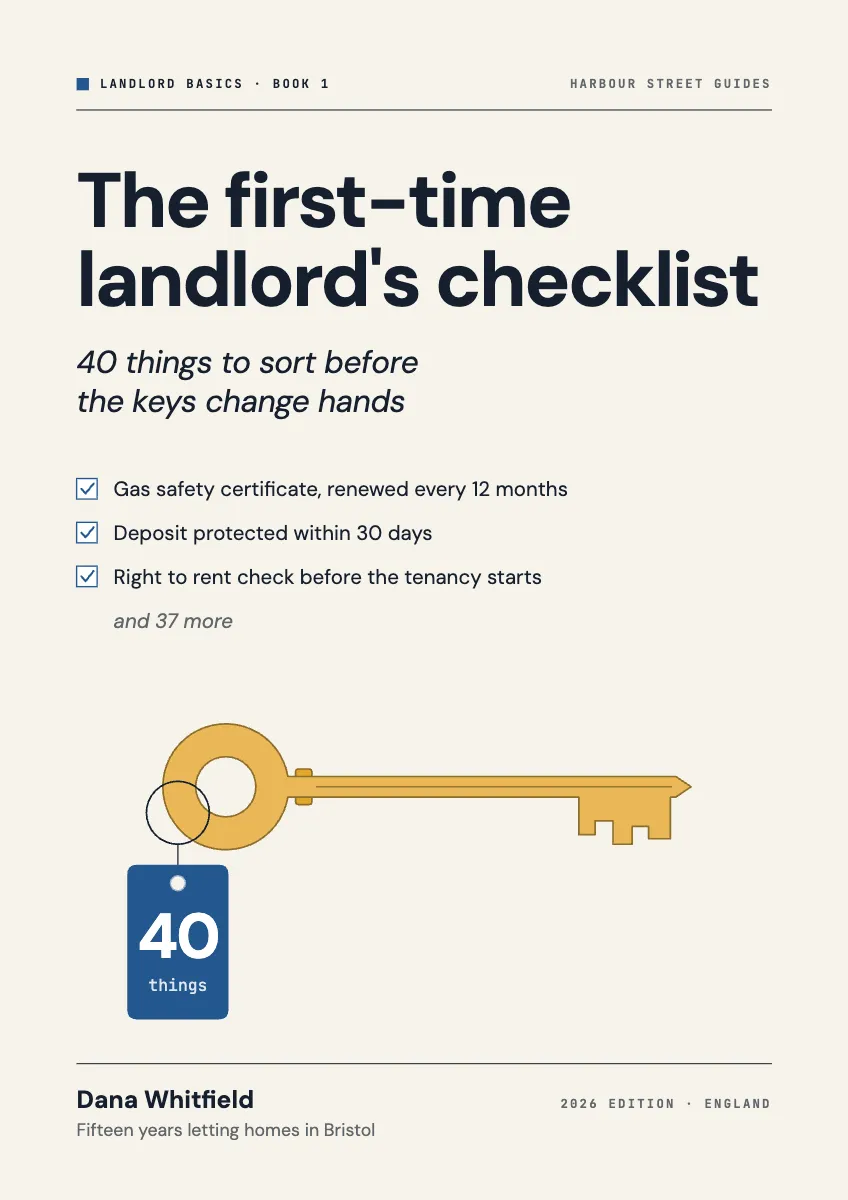
An A4 lead magnet ebook cover: a brass key with a paper tag reading 40, beside the first three items of the checklist.
Free. It opens in the Motionix editor as your own copy.
Download the pictureWebP, 848 × 1200, free to use. To change the words or colours, open it in the editor.
- Size
- 1240 × 1754 px
- Pages
- 1
- Motion
- Yes, plays live and in GIF or video
- Category
- Covers
What it shows
- Key built from fused shapes
- Series mark and author line
- Checklist that ticks itself
Good for
How to use it
- Open the template. It becomes a project in your account.
- Change the words, colours and pictures. Every part is an ordinary shape, line or text box.
- Press Play to watch it build, then present it or export it.
What is an ebook cover?
An ebook cover is the front page of a digital book or guide, seen as a thumbnail in a store, on a landing page or as the first page of a PDF. Lead magnet ebooks, the free guides businesses trade for an email address, are usually A4 or US Letter PDFs, so their covers take that portrait shape. A cover must keep the title readable at thumbnail size and say exactly what the reader will get.
When it helps
- Letting agents offering a first-time landlord's checklist in return for an email sign-up.
- Consultants turning a question every client asks into a downloadable PDF guide.
- A numbered series of guides that share one cover design and a series mark.
- Self-published ebooks in online stores, where the cover is a small thumbnail beside its rivals.
Tips
- Check the cover at around 150 pixels tall, roughly a store search result or an email preview. Thin fonts and long subtitles often vanish at that size.
- Never print the whole contents on the cover. Three sample items and a count of the rest create curiosity; twenty items create a wall of text.
- Make the PDF's first page the cover itself, not a separate image file, so the guide opens looking finished in any viewer.
How to make an ebook cover
Choose the page size first
For a PDF lead magnet, design at A4, which is 1240 x 1754 pixels at 150 ppi, or at US Letter. For a store ebook, use that store's recommended portrait ratio instead.
Write a specific title
Name the reader and the promise, as in the first-time landlord's checklist. A subtitle with a number, like 40 things to sort before the keys change hands, makes the value concrete.
Pick one symbolic object
A single strong image, such as a door key with a paper tag, signals the subject faster than a collage. Make it large enough to read as a thumbnail.
Preview the contents
On a lead magnet, showing the first few items of the checklist builds trust: readers see the guide is practical before they hand over an email address.
Add series and publisher marks
A small series name, book number and author or publisher line at the top make the guide feel like part of a collection and lend it credibility.
FAQQuestions
Common questions.
What size should an ebook cover be?
It depends where it will appear. Amazon Kindle Direct Publishing recommends 2560 by 1600 pixels, a 1.6:1 portrait ratio. A PDF guide usually matches its page, such as A4, which is 1240 by 1754 pixels at 150 ppi or 2480 by 3508 at 300 ppi.
What is a lead magnet?
A lead magnet is something useful a business gives away free in exchange for contact details, usually an email address. Checklists, short guides, templates and calculators are common. The best solve one narrow problem completely, so the reader trusts the business with bigger ones.
Does an ebook cover need the author's name?
Store ebooks almost always show it, because readers search by author and a name adds credibility. On a business lead magnet, the company or brand usually takes that place, often with a small series mark so several guides look related.
More covers templates
Thumbnails, episode covers, banners and headers.