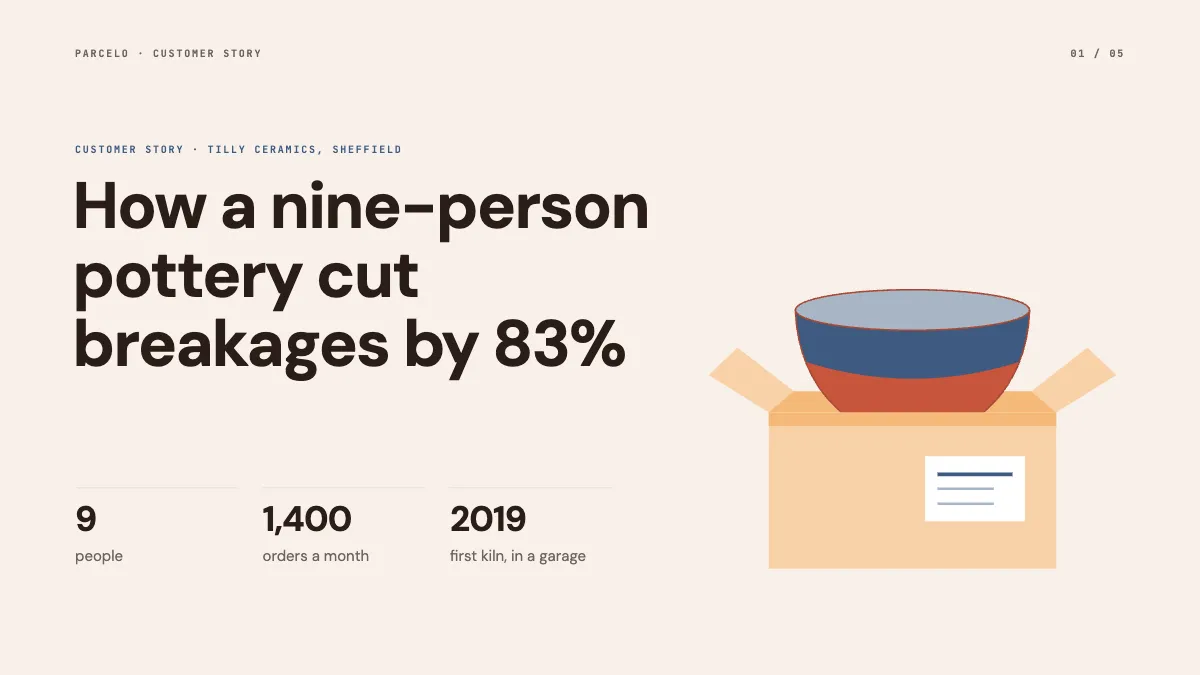
Free templateCase study presentation
Customer case study
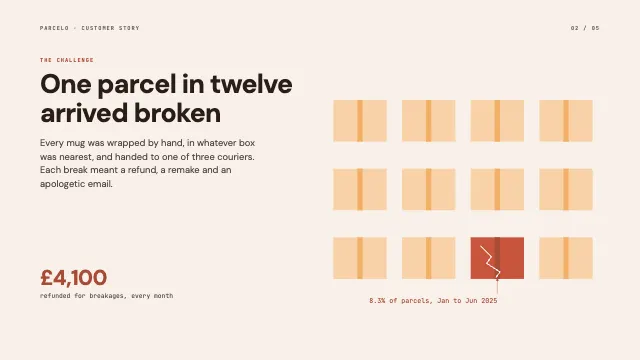
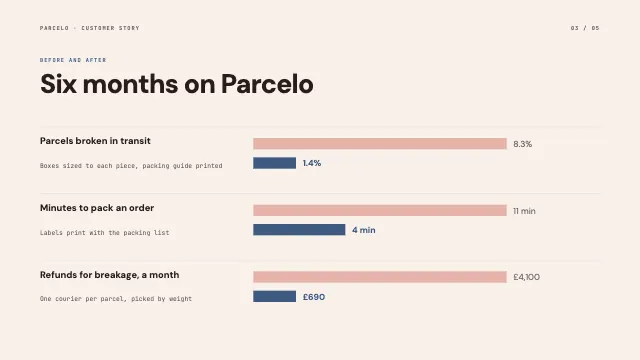
A five-page product case study about a small pottery: one cracked box in twelve, the numbers before and after to scale, her own words and the results.
Free. It opens in the Motionix editor as your own copy.
Download the pictureWebP, 1200 × 675, free to use. To change the words or colours, open it in the editor.
- Size
- 1920 × 1080 px
- Pages
- 5
- Motion
- Yes, plays live and in GIF or video
- Category
- Presentations
Every page
 Page 2
 Page 3
 Page 4
 Page 5
What it shows
- Before and after bars to scale
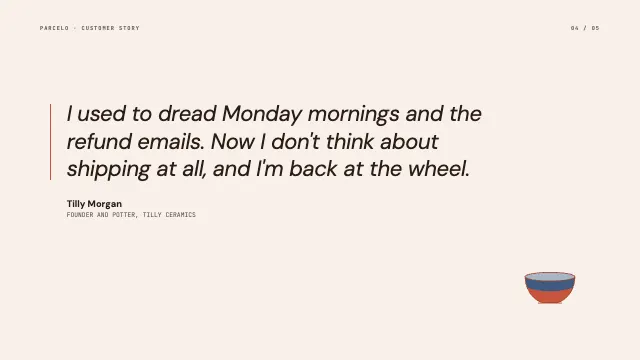
- A pull quote page
- A drawn product of the customer
Good for
How to use it
- Open the template. It becomes a project in your account.
- Change the words, colours and pictures. Every part is an ordinary shape, line or text box.
- Press Play to watch it build, then present it or export it.
What is a case study presentation?
A case study presentation tells the story of one customer: who they are, the problem they had, what they changed and the measured results. Sales and marketing teams use it as proof that a product works for businesses like the prospect's. The most persuasive case studies have one clear problem, numbers before and after, and the customer speaking in their own words.
When it helps
- Sales calls where a prospect in the same industry asks for proof.
- Product marketing pages and webinars that walk through a customer's results.
- Pitching a small business owner using a peer's experience rather than claims.
- Internal reviews showing which kinds of customer get the most value.
Tips
- Get written approval for every number and quote before publishing; customers agree more readily when they control what is said about them.
- Lead with the customer's problem, not your product. Mention a feature only where it explains a result.
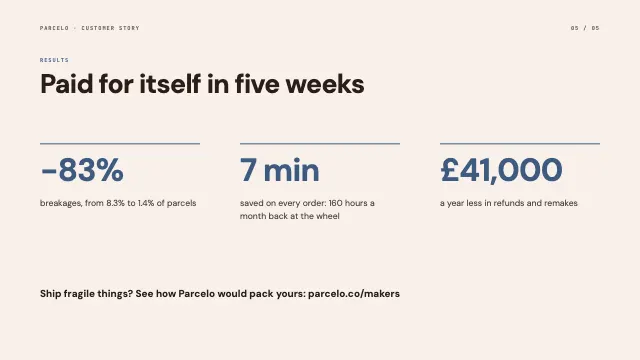
- Pair percentages with absolute numbers. A cut of 83% means more when the audience also sees broken parcels fall from 8.3% to 1.4%.
How to make a case study presentation
Introduce the customer as people
Open with who the customer is: their size, what they make and something human, like a nine-person pottery. Prospects should recognise themselves in the story.
Define one problem with a number
State the challenge as a figure, such as one parcel in twelve arriving broken. A measured problem is what makes the result meaningful.
Show before and after to scale
Draw the key metrics before and after on bars that share one scale, with a short line on what caused each change.
Let the customer speak
Give a full slide to a short quote from the customer, attributed by name and role. Their words carry more weight than any of yours.
End with results and payback
Close with the headline outcome, such as paid for itself in five weeks, and how the prospect could get a similar result.
FAQQuestions
Common questions.
What is the structure of a case study presentation?
Customer background, the challenge, the solution and how it was put in place, the results with numbers, and a quote from the customer. Many add a one-slide summary at the start for people who only read the first page.
How long should a case study presentation be?
Five to ten slides is typical, short enough to present in ten minutes or read in two. Keep detail such as implementation timelines in an appendix or a linked written version of the story.
How do you get customers to agree to a case study?
Ask soon after a clear success, explain what is involved and how much of their time it takes, and offer something in return, such as publicity or a link to their site. Let them review and approve the final version.
More presentations templates
Decks for pitches, lectures, reviews and talks.