Free templateEvent countdown post
Meetup countdown
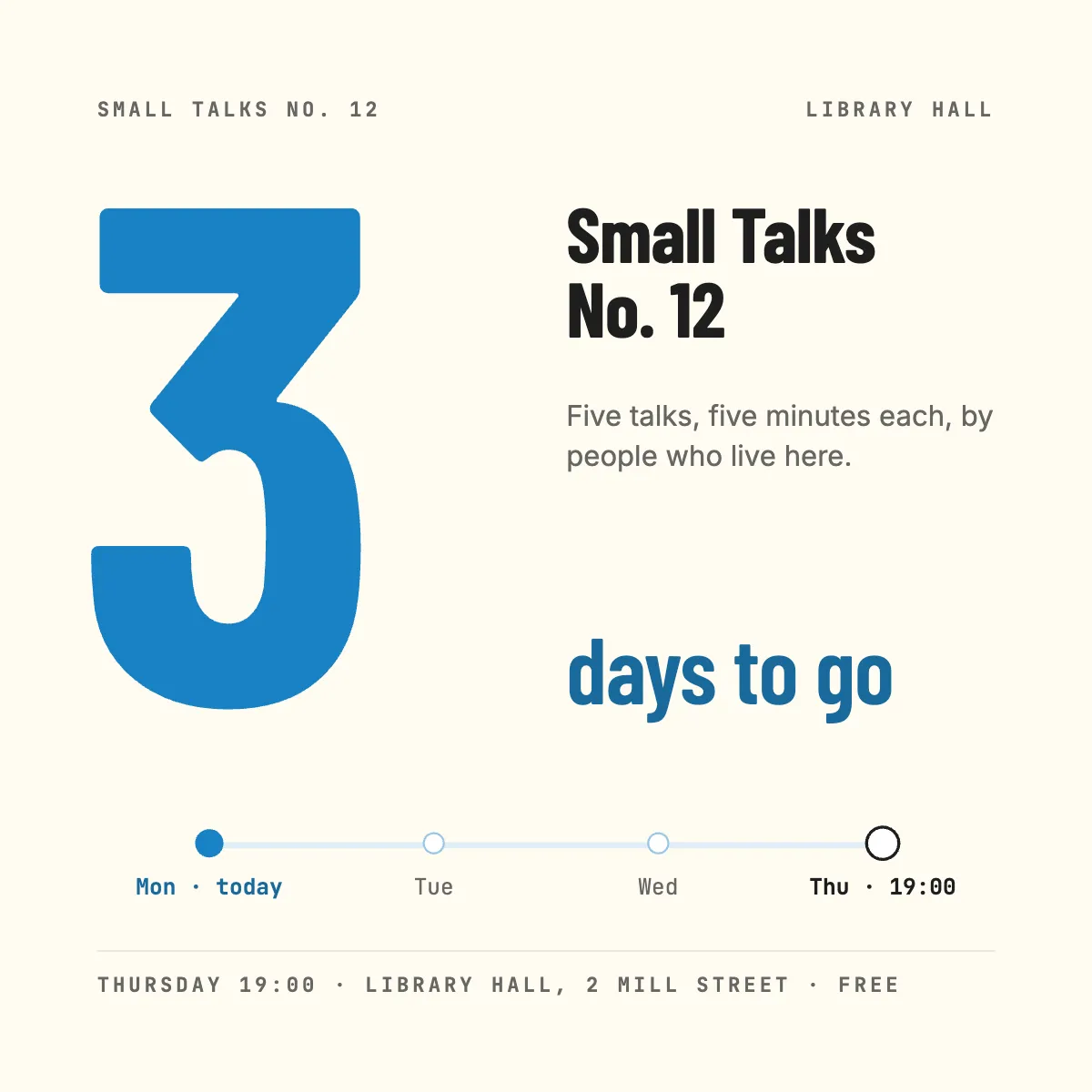
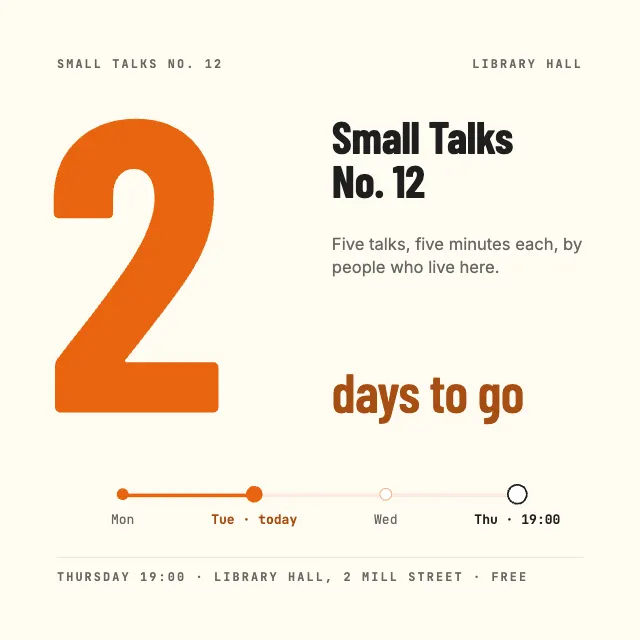
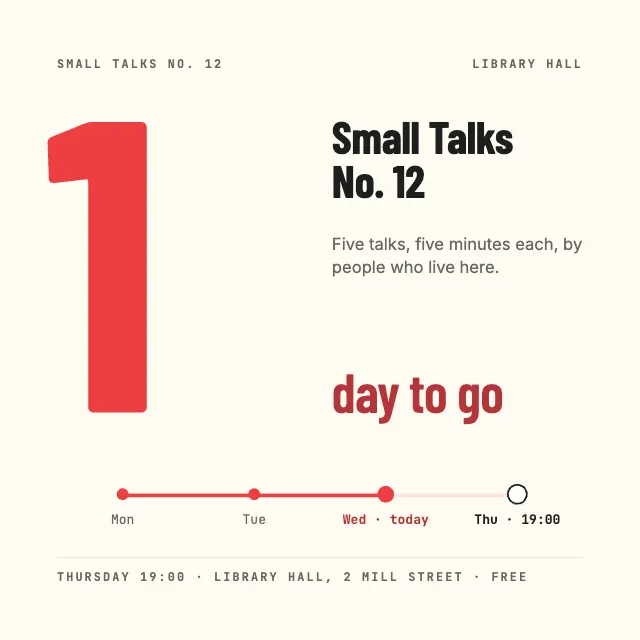
Three countdown posts for an evening of short talks: huge condensed numerals and a week strip where today moves closer to Thursday.
Free. It opens in the Motionix editor as your own copy.
Download the pictureWebP, 1200 × 1200, free to use. To change the words or colours, open it in the editor.
- Size
- 1080 × 1080 px
- Pages
- 3
- Motion
- Yes, plays live and in GIF or video
- Category
- Social posts
Every page
 Page 2
 Page 3
What it shows
- Huge condensed numerals
- A system across three posts
- Progress through the week
Good for
How to use it
- Open the template. It becomes a project in your account.
- Change the words, colours and pictures. Every part is an ordinary shape, line or text box.
- Press Play to watch it build, then present it or export it.
What is an event countdown post?
An event countdown post reminds followers that an event is coming by counting down the days, usually in a short series such as three days, two days and one day to go. Each post repeats the essentials, what, when, where and the price, while the changing number builds urgency. Kept in one consistent design, the series reads as a single campaign.
When it helps
- A community organiser promoting a free evening of short talks in its final week.
- A small venue reminding followers about a gig or quiz night as tickets run low.
- A conference team counting down to opening day on LinkedIn and Instagram.
- A shop building interest in the days before a launch or sale starts.
Tips
- Build all the posts from one layout and change only the number and the day; the series stays recognisable and takes minutes, not hours.
- Add a reminder on the day itself, with the start time front and centre, for people deciding that evening whether to go.
- If entry is free, say so on every post. Cost is one of the first questions people have, and the answer belongs where they will see it.
How to make an event countdown post
Plan the series
Decide how many posts you need and which days they go out. Three posts, at three, two and one day before, suit most local events.
Make the number the hero
Set the count as large as the post allows, in a heavy or condensed face, so it reads in a fraction of a second in the feed.
Repeat the essentials every time
Each post should stand alone with the event name, date and time, place and price. Many people will only ever see one of the three.
Show time passing
Add something that changes across the series, such as a week strip where today moves towards the event, or a colour that warms as it nears.
Schedule them in advance
Prepare every post at once and schedule them, so the countdown runs on time even during the busy days before the event.
FAQQuestions
Common questions.
When should you start a countdown for an event?
For a local evening event, a week out is plenty, with the countdown posts in the last three days. Bigger events such as conferences or launches may count down over several weeks. Start early enough that people can still clear their diary.
What should an event post include?
The event name, what it is, the date and start time, the venue with an address, the price or that it is free, and how to book or register. Add a line on who it is for, such as five short talks by local people, so readers know if it suits them.
Do countdown posts work on Instagram and LinkedIn?
They work on both, as a series of feed posts or stories. On Instagram, stories also offer a countdown sticker that followers can tap for a reminder. On LinkedIn, an event page alongside the posts lets people register and add it to their calendar.
More social posts templates
Carousels, stories and single posts for LinkedIn and Instagram.